

Guides
How to Charge a Nexa Vape: Every Device, Cable and Battery Tip
Sep
How to Charge a Nexa Vape: Every Device, Cable and Battery Tip
Battery low? Here is how to charge a Nexa vape properly, whichever model sits in your pocket.
Every current model in the range is rechargeable. That surprises some first-time buyers.
After all, many people still think of disposables as use-once, toss-when-dead gadgets.
In reality, a 50,000-puff device needs several top-ups before its e-liquid runs out.
So good charging habits matter. They keep the device firing, protect the battery and save you money.
Below, we cover the gear you need, device-by-device notes, reported charge times, safety and fixes.
Why Big-Puff Devices Need Recharging
Each device pairs a large e-liquid supply with a modest battery.
For example, the Ultra II holds 20 mL of liquid.
Yet its battery is 900 mAh. That cell simply cannot power tens of thousands of puffs on one charge.
Instead, the design assumes you will plug in along the way. So a dead battery is normal, not a defect.
In fact, the liquid usually outlasts many full charges.
So throwing a device away at the first flat battery wastes most of it.
A quick look at the tank tells the story. If liquid remains, a cable is all you need.
What You Need for USB-C Charging
The good news is that every model here uses USB-C. So the gear is simple and cheap.
- A USB-C cable in good condition.
- Any power source, such as a wall adapter, laptop port or power bank.
- Some hard, cool surface to set the device on while it charges.
Any standard USB-C cable works. Most people already own one for a phone, tablet or earbuds.
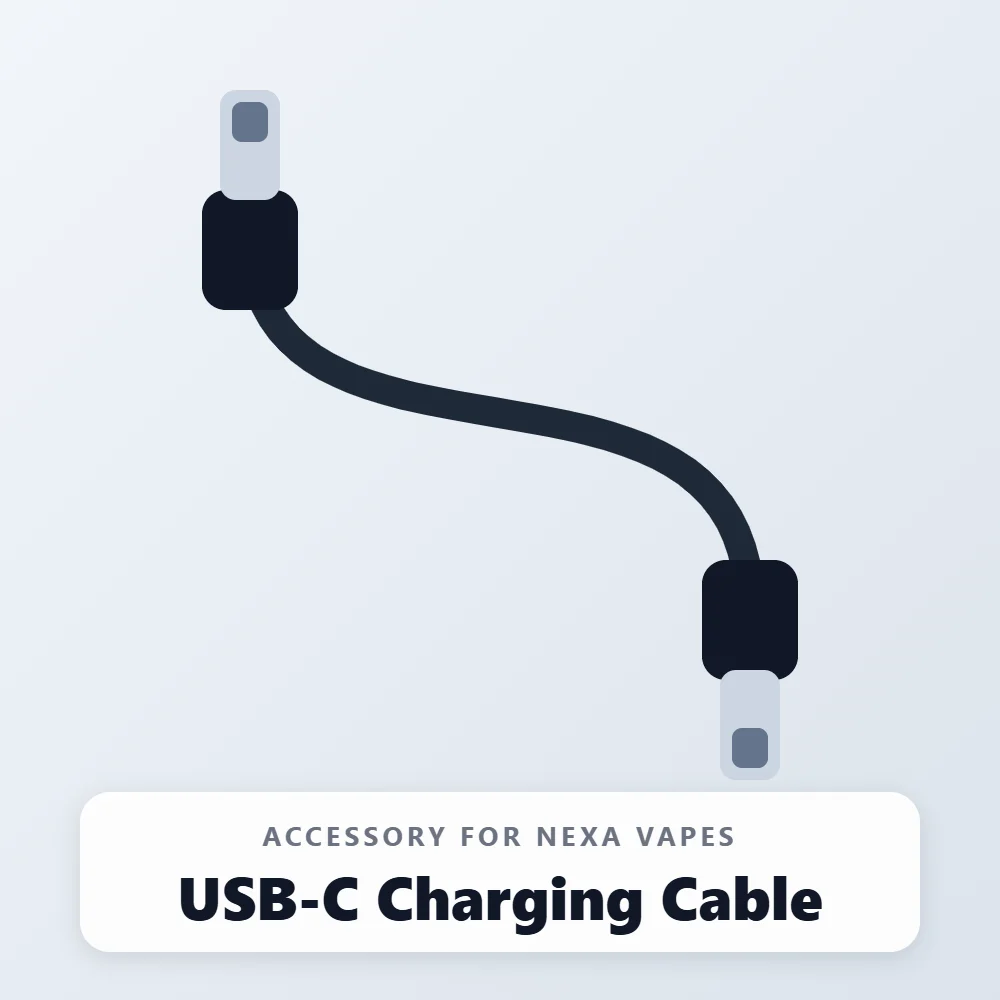
Still, a dedicated cable saves arguments over the phone charger. Our USB-C charging cable costs $4.99.
For reference, Vaping360 tested the Ultra 50K with a 5 V / 2.1 A wall adapter.
That is a common phone-style plug, so you need nothing fancy.
Step-by-Step: The Universal Charging Routine
These steps apply to the Ultra II, Pix, Ultra 50K, InvisaCloud and Flex alike.
- First, check the port for lint or debris and clear it gently.
- Next, plug the USB-C end firmly into the device.
- Then connect the other end to your power source.
- Watch the screen to confirm the battery reading starts to rise.
- Leave the device on a hard surface, away from heat and fabric.
- Finally, unplug once it reaches full, or sooner if you need it.
Also, avoid yanking the cable out at an angle. Over time, that strains the port.
When in doubt, check the screen. Every model in the range has a display that reports battery level.
Reported Charging Times by Device
The brand does not publish official charge times on its product pages. So the figures below come from independent reviews.
| Device | Battery | Port | Reported full charge | Pass-through reported |
|---|---|---|---|---|
| Ultra II 50K | 900 mAh | USB-C | A little over an hour (Vaping360) | Yes |
| Pix 35K | 800 mAh | USB-C | About an hour, 95% at 60 minutes (Vaping360) | Yes |
| Ultra 50K | 800 mAh | USB-C | About 80 minutes (Vaping360) | Yes |
| Ultra InvisaCloud | 800 mAh | USB-C | No verified figure | Not verified |
| Flex (device) | 1200 mAh | USB-C | About 60 to 75 minutes (Versed Vaper, Vaping Hardware) | Yes |
Your own results may differ with the cable, adapter and room temperature. Treat these as ballpark figures.
Overall, plan on roughly an hour or a bit more for a full charge on any model.
Device-by-Device Charging Notes
Ultra II 50K
The Ultra II carries the largest cell among the disposables, at 900 mAh.
Vaping360 reports a full charge takes a little over an hour.
However, a few minutes on the cable gave them a couple hundred hits.
They also found it fires almost instantly once plugged in, even from zero.
The 3D curved screen shows battery percentage, even in dark mode. Our Ultra II setup guide covers the rest.
Pix 35K
The Pix runs an 800 mAh battery in a smaller body.
In the Vaping360 test, it reached 62% after 40 minutes and 95% after 60 minutes.
Pass-through charging also kicked in within seconds, even with 0% on the screen.
Here is a handy trick: pressing the mode button shows battery percentage without a puff.
See our Pix activation guide for setup details.
Ultra 50K
The original Ultra also uses an 800 mAh battery. Vaping360 timed its full charge at 80 minutes.
Still, their quick test impressed: a 30-second charge from flat gave about 110 puffs.
One quirk matters here. Its power-level button sits underneath the USB-C port.
So plug in carefully, or you may switch between Normal and Turbo by accident.
Ultra InvisaCloud
The InvisaCloud shares the 800 mAh battery and USB-C port of the Ultra family.
We have not found a verified charge time for it yet. Until then, follow the same routine as its siblings.
Its dark mode switches off the flashing lights. So check the screen reading rather than relying on a glow.
Flex Kit
The Flex has the biggest battery in the range, at 1200 mAh. Better still, it outlives the pods.
Pods do not need charging. Instead, the Flex device charges through its USB-C port.
Versed Vaper measured about an hour for a full charge and 30% in about fifteen minutes.
Meanwhile, Vaping Hardware put it closer to 75 minutes and confirmed pass-through charging.
Top up during pod swaps, and you will rarely run flat. Our pod swap guide explains the rest.
Reading the Battery on Each Screen
Every model reports battery level on its display. Still, each one shows it a little differently.
- Ultra II: the 3D curved screen shows battery and mode, and keeps the percentage in dark mode.
- Pix: the HD screen shows battery and mode; a mode-button press reveals the percentage.
- Ultra 50K: per Vaping360, the curved screen shows power setting and battery percentage.
- InvisaCloud: dark mode turns off the flashing lights, so glance at the reading directly.
- Flex: the 3D curved screen shows battery life clearly, according to Vaping Hardware.
Because the screen tracks battery rather than liquid, also glance at the tank.
Then you know which one runs out first.
How Often Will You Need to Recharge?
That depends on your habits more than the device. Three factors matter most.
- Mode: Turbo draws more power per puff than Normal.
- Puff length: long, hard draws drain the cell faster than short ones.
- Session size: heavy daily use may mean a top-up every day.
Light users may go several days between charges. Meanwhile, heavy Turbo users often plug in daily.
Either way, a full tank should see many charge cycles.
So a habit of evening top-ups works well.
Just unplug before you go to sleep, rather than leaving it on the cable all night.
Pass-Through Charging: Vaping While Plugged In
Pass-through means the device fires while connected to power. Reviewers report it on most of the range.
That is handy at a desk or in a car. You do not need to wait for a full battery.
- Keep puffs gentle while plugged in, since the device works harder.
- Stop if the body feels warmer than usual.
- Avoid long chain sessions in Turbo mode on the cable.
- Never vape while the device sits on a bed or sofa cushion.
Also, watch the cable. A short lead tugged at an angle strains the port more than you think.
Quick Top-Ups vs Full Charges
You do not always need a full charge. Short top-ups work surprisingly well.
For example, Vaping360 got a couple hundred hits from a few minutes on the Ultra II.
Likewise, a 30-second charge gave the Ultra 50K about 110 puffs in their test.
So if you are heading out the door, plug in for a few minutes while you grab your keys.
However, regular deep drains are harder on lithium cells. Topping up before zero is the kinder habit.
Choosing a Power Source
Wall Adapter
A standard phone-style adapter is the most reliable option.
It also gives the most consistent results from day to day.
Laptop Port
Laptop USB ports usually work fine. However, some deliver less power, so charging can take longer.
Power Bank
A power bank is ideal for festivals, long shifts or travel. Just keep the bank itself charged.
Car Charger
Car adapters work too. Still, never leave a device charging in a parked car on a hot day.
Battery Care Habits That Pay Off
- Charge at room temperature whenever possible.
- Unplug once full rather than leaving it on the cable all night.
- Top up before the battery hits zero when you can.
- Keep the device out of hot cars, beach bags and direct sun.
- Store it upright, which also helps prevent leaks.
- Protect it from drops with a silicone sleeve for $6.99.
A vape lanyard for $3.99 also helps. Fewer drops mean fewer bent ports.
Charging Myths We Hear at the Shop
“Disposables Cannot Be Recharged”
Not true for this range. Every current model has a USB-C port, and recharging is part of normal use.
“You Must Drain the Battery to Zero First”
That advice dates from older battery types. In contrast, lithium cells prefer regular top-ups over deep drains.
“A Bigger Charger Charges Faster”
Not necessarily. A small device only draws the power it needs, so a huge laptop brick rarely speeds things up.
Instead, a decent cable and a standard adapter usually make the biggest difference.
“A Dead Screen Means a Dead Device”
Often, it just means a flat battery or dark mode.
So plug in and check before you give up on it.
Charging Mistakes to Avoid
- Charging on a bed, sofa or under a pillow, where heat builds up.
- Using a frayed or bent cable because it is the one nearby.
- Forcing a plug into a port packed with pocket lint.
- Leaving the device charging in a hot car.
- Throwing a device out at the first flat battery while liquid remains.
- Pressing buttons near the port while plugging in, which can change your mode.
Avoid these, and your battery should stay healthy for the life of the tank.
Safety Red Flags
Lithium batteries are reliable when treated well. Even so, stop charging right away if you notice any of these.
- The body feels hot, not just warm.
- The casing bulges or the halves start to separate.
- You smell burning plastic or a chemical odor.
- The port looks melted, scorched or corroded.
In any of these cases, unplug it and move it away from anything flammable. Then stop using the device.
Also, never charge a device that got wet. Let it dry fully first, and replace it if problems persist.
What to Do When You Can’t Charge a Nexa Vape
Most charging problems come down to the cable, the port or the power source. Work through these in order.
- Try a different USB-C cable, since cables fail more often than devices.
- Next, try a different adapter or wall outlet.
- Then inspect the port with a flashlight for lint or debris.
- Clear any debris gently with a dry wooden toothpick.
- Reseat the plug firmly and watch the screen for a reading.
- Finally, give it a few minutes on the cable before judging it.
Also, check the tank.
If the liquid has run out, the device has reached its end.
In that case, no amount of time on the cable will bring it back.
A blinking display can also signal a charging issue. Our blinking screen guide explains common patterns.
For no-hit problems, see our not-hitting fixes.
Signs Your Cable Is the Problem
Cables wear out faster than devices. So suspect the cable first when charging turns flaky.
- The battery reading only climbs when you hold the plug at an angle.
- The plug feels loose in every device, not just your vape.
- You can see fraying, kinks or exposed wire near either end.
- Charging works with one adapter but not another.
When any of these show up, swap the cable before you blame the device.
Keep a spare in your bag or car. Then a bad cable never leaves you stuck.
Storing a Device You Will Not Use for a While
Maybe you rotate flavors, or you bought a 5-pack. Either way, storage affects the battery.
- Top the battery up partway before you put a device aside.
- Store it somewhere cool, dry and out of direct sunlight.
- Stand it upright to keep e-liquid where it belongs.
- Check the reading every few weeks and top up if it drops low.
Unopened Ultra II and Pix devices also benefit from Juicy Lock. Their liquid stays sealed until you activate them.
Meanwhile, Flex owners can rotate pods while the 1200 mAh battery stays in daily service.
Charging on the Road
Travel adds a few wrinkles. However, a little planning keeps you powered up.
- Pack your device in your carry-on, as airlines generally bar vapes from checked bags.
- Never charge or vape on a plane.
- Bring a USB-C cable and a small power bank.
- Check local vape laws at your destination before you travel.
Hotel USB ports work in a pinch. Still, a wall adapter from home tends to be more reliable.
When the Battery Finally Wears Out
Disposables usually end when the liquid runs dry, not the battery. Meanwhile, the Flex battery keeps going across many pods.
Eventually, though, every lithium cell loses capacity. When that happens, avoid household trash.
Instead, check local rules for battery or e-waste drop-off points near you.
Then pick a replacement. Our comparison hub helps you choose between models.
Quick Charging Checklist
Short on time? Run through this list whenever you plug in.
- Port clear of lint and moisture.
- Cable straight, snug and free of fraying.
- Device resting on a hard, cool surface.
- Screen reading climbing within a minute or so.
- Plug pulled once the battery reads full.
Pin this list near your charging spot. After a week, the routine becomes second nature.
Frequently Asked Questions
How long does it take to charge a Nexa vape?
Reviewers report roughly an hour for the Pix and Flex. The Ultra 50K took about 80 minutes in one test.
Can I vape while it is plugged in?
Reviewers report pass-through charging on most models. Still, keep puffs gentle and stop if it feels hot.
Do I need a special cable?
No. Any standard USB-C cable works on every model in the range.
Do Flex pods need charging?
No. Pods draw power from the Flex device, which charges through its USB-C port.
Why does my device die while liquid remains?
That is normal. The battery runs out long before the e-liquid, so plug it in and keep going.
Should I leave it charging overnight?
We advise against it. Instead, charge while you are nearby and unplug once full.
Need a Spare Cable to Charge Your Nexa Vape?
Grab a USB-C cable for $4.99, or browse all accessories.
Ready for a new device? Shop our disposables or the reusable Flex range. We ship discreetly to adults 21+.
WARNING: This product contains nicotine. Nicotine is an addictive chemical.
